
AI Chat Basics
Step 1. Start AI Chat
A straightforward guide for small business owners and personal users who are new to AI
Whether you’re running a small business and keep hearing about AI but don’t know where to start, you’re in the right place. AI chat tools are the simplest way to begin, and they’re available to use right now, often for free.
What Is AI Chat?
AI chat is simply having a conversation with an artificial intelligence programme through typing (or speaking). You ask questions or give instructions, and the AI responds with helpful answers*, suggestions, or even creates content for you.
Think of it as having a knowledgeable assistant available 24/7 who can help with writing, research, planning, problem-solving, and much more. The conversation happens in plain English (or your chosen language)—no technical knowledge required.
Popular AI Chat Tools for Beginners
ChatGPT
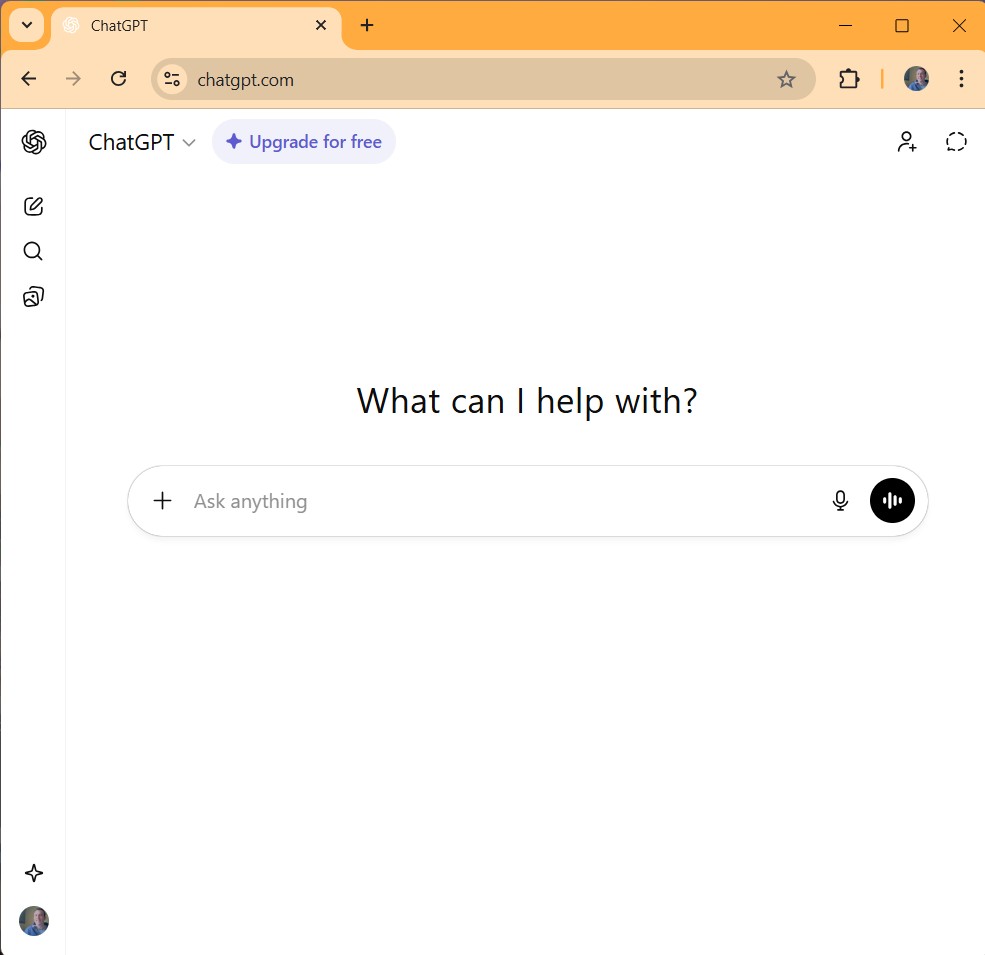
(by OpenAI) – The most widely known AI chat tool. Free version available, with paid plans starting at around £16/month for more features and faster responses.
Claude
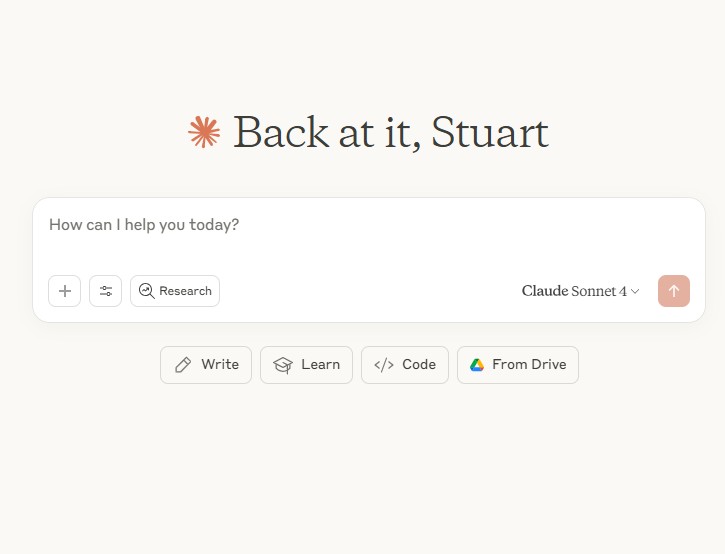
(by Anthropic) – Known for being particularly good at writing and following detailed instructions. Free version available with generous usage limits.
CoPilot
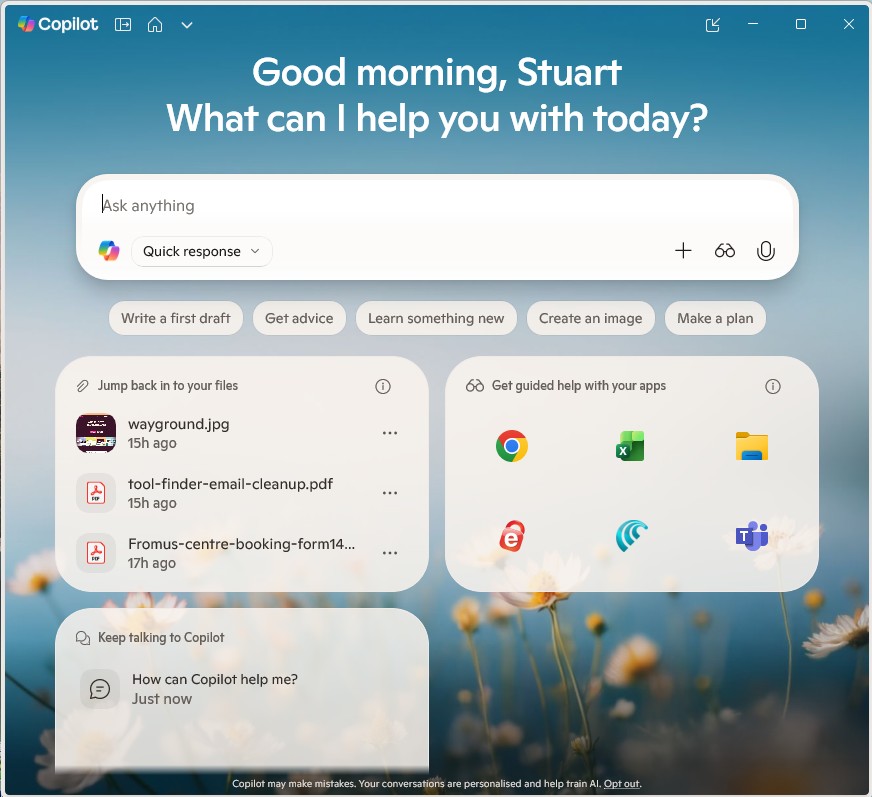
(by Microsoft) – Free to use and integrated with Microsoft products. Good if you already use Microsoft 365. Paid versions for secure access to small business information.
Gemini
(by Google) AI chat tool, free to use with a Google account and options available within Google tools. It can integrate with these tools:- Gmail, Google Docs, Google Workspace
Perplexity
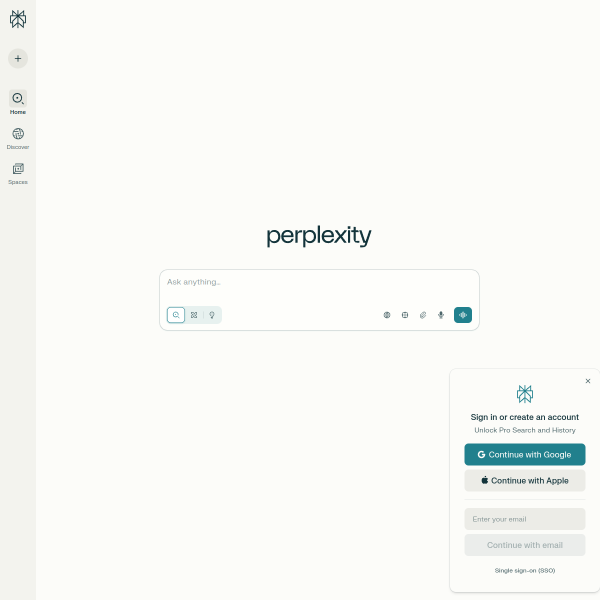
Particularly good at research and finding information, searches the web and provides sources for its answers, excellent for fact-checking and research tasks.
For most small businesses and personal users just starting out, the free versions of ChatGPT or Claude are excellent choices to get started with AI chat. You can always upgrade later if you find you’re using them extensively.
Listen to an AI podcast version of this page created with Monica AI or an alternative audio summary created with Descript, which do you prefer?
What are you waiting for: Your First Conversation – give it a try!
Starting is as simple as visiting the website of your chosen AI tool (follow the links above), creating a free account, and typing your first message. You can also download the AI apps for your mobile or tablet.
Remember this: the thing that catches most beginners: the quality of AI answers or content created that you get back depends entirely on how you ask.
A Quick Example
Basic Request (Less Helpful) “Write a social media post about my plumbing business.”
Better Request (Much More Useful) “Write a Facebook post for my plumbing business based in Ipswich. We’re offering a free boiler service check this month for new customers. Keep it friendly and under 150 words. Include a call to action to phone us.”
Notice the difference? The second request gives the AI context, specifics, and clear instructions. This is what’s known as “prompting”—and it’s the key skill that makes AI truly useful for your personal or business tasks.
Some Ways Small Businesses Can Use AI Chat
AI chat tools can help with practical, everyday business tasks. Here are some examples of how they could be used:
- Example: A local garden centre might use AI chat to draft their weekly email newsletter, create seasonal plant care tips for their website, and prepare responses to common customer questions about local growing conditions.
- Example: An independent accountant could use AI chat to help draft client-friendly explanations of tax changes, create blog posts for their website, and generate templates for common client letters.
- Example: A wedding photographer might use AI chat to write compelling package descriptions, draft responses to enquiry emails, and brainstorm creative shot ideas for different venues.
These are examples of the types of practical applications that AI chat tools can support across different small businesses.
Ways Personal and Home Users Can Use AI Chat
AI chat isn’t just for businesses—it’s equally valuable for everyday personal tasks:
- Planning and organisation: Create meal plans for the week, plan holiday itineraries, organise home renovation projects, draft shopping lists, or plan family events.
- Learning and education: Get explanations of topics you’re curious about, help with homework (explaining concepts rather than doing the work), learn a new skill, or understand complex instructions.
- Writing assistance: Draft emails to schools or service providers, write thank-you notes, create CVs and cover letters, or compose social media posts for community groups.
- Creative projects: Generate ideas for garden layouts, plan DIY projects, create quiz questions for family gatherings, write speeches or toasts, or brainstorm gift ideas.
- Health and wellbeing: Create exercise routines, plan healthy meals, understand medical information (though never as a replacement for professional medical advice), or explore recipes for dietary requirements.
- Home management: Draft letters to landlords or service providers, understand tenancy agreements or contracts, create household budgets, or plan maintenance schedules.
- Community involvement: Write content for local groups, draft newsletters for clubs or societies, create event announcements, or help with fundraising materials.
Whether you’re managing a household, pursuing hobbies, or involved in community activities, AI chat can save time and help you communicate more effectively. Though with all AI output, check it and make it your own!
How you Chat to the AI makes the difference!
The Importance of Good Prompts
Here’s what becomes clear when small business owners start using AI: the difference between “AI doesn’t work for me” and “AI saves me hours every week” usually comes down to knowing how to ask effectively.
Good AI chat prompts are specific, give context, explain what you want, and describe how you want it. Poor prompts are vague, lack detail, and leave the AI guessing about what you actually need.
Quick Tip: When you’re starting out, imagine you’re briefing a new employee who’s capable but doesn’t know your business yet. Give them the information and guidance they’d need to do a good job.
The good news is that writing effective prompts is a learnable skill, not some mysterious talent. With a bit of guidance and practice, most people pick it up quite quickly.
Common Questions from Beginners
Is my data safe?
Reputable AI chat providers like OpenAI (ChatGPT) and Anthropic (Claude) take data security seriously. However, it’s sensible practice not to enter confidential customer information, passwords, or sensitive business data into any AI tool. Within tools you can select to turn off the AI using data for its training. Treat it like you would a public forum—use it for general content and ideas, not confidential specifics. Pro versions of the tools offer options to use your data in
Will AI replace me or my staff?
AI chat tools are intended as assistants, not replacements with the aim to augment a humans work. They’re brilliant at drafting, suggesting, and handling routine writing tasks from your good instructions, but they still need your expertise, judgement, and personal touch. Think of them as tools that handle the tedious bits so you can focus on the work that actually needs your skills.
Do I need to be technical?
Not at all. If you can send a text message, you can use AI chat. It’s just typing (or speaking) in normal language. The technical bit is already done—you’re just having a conversation.
Your Next Steps – Really just have go at an AI Chat!
Starting with AI chat is straightforward:
1. Choose a tool. Try the free version of ChatGPT or Claude. Both are excellent for beginners.
2. Start simple. Pick one task you do regularly (like writing social media posts or responding to common enquiries) and try using AI to help with it.
Check out my AI Task Tool Finder
3. Experiment with being specific. The more detail you give, the better the results. Try rephrasing your requests if you don’t get what you need first time.
4. Learn proper prompting. This is where most people get stuck. A bit of structured guidance on writing effective prompts can transform your results. That’s exactly what my training and workshops provide—practical, hands-on training that shows you how to get consistently useful output from AI tools.
The Bottom Line
AI chat tools are already helping thousands of UK small businesses save time, create better content, and work more efficiently. They’re not complicated, they’re not just for tech companies, and you don’t need a computer science degree to use them.
What you do need is to know how to ask effectively—and that’s something you can learn quickly and by chatting with AI.
Whether you dive in on your own or join one of my sessions, the important thing is to start. The businesses that begin experimenting with AI now will have a significant advantage over those who wait.