Microsoft Copilot

What is Microsoft Copilot?

AI assistant integrated into Microsoft 365

Microsoft Copilot is an AI-powered assistant designed to help users work more efficiently across Microsoft 365, Windows, Dynamics 365, and Power Platform. It uses advanced machine learning and natural language processing to provide real-time suggestions, automate repetitive tasks, and deliver intelligent insights. Copilot is integrated into apps like Word, Excel, PowerPoint, Outlook, Teams, and SharePoint, supporting features such as drafting documents, analysing data, summarising content, generating presentations, and automating workflows. It also offers industry-specific solutions and is expanding to include image generation, audio summaries, and multi-file collaboration. Copilot is suitable for individuals, teams, and businesses looking to streamline daily tasks, improve collaboration, and enhance productivity with AI.

What is Microsoft Copilot used for?


Boost Productivity:Boost Productivity; Automate workflows; Content creation; Team collaboration

Microsoft Copilot helps users save time and work smarter by automating everyday tasks, drafting emails, summarising documents, creating presentations, and collaborating with teams—all powered by AI. Whether you’re writing, analysing data, or managing projects, Copilot makes it easier to get things done quickly and efficiently.

Learn more here: learn.microsoft.com/en-us/copilot/


Suitable for users:New To AI

Pricing Information for Microsoft Copilot


Tier 1: 0

Tier 2: 10


Check out Microsoft Copilot here: copilot.microsoft.com


Boost Productivity, Create Content, Data Analysis, Research, Learning and Devlopment, Manage Work
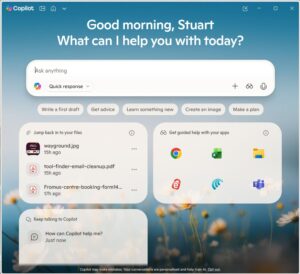
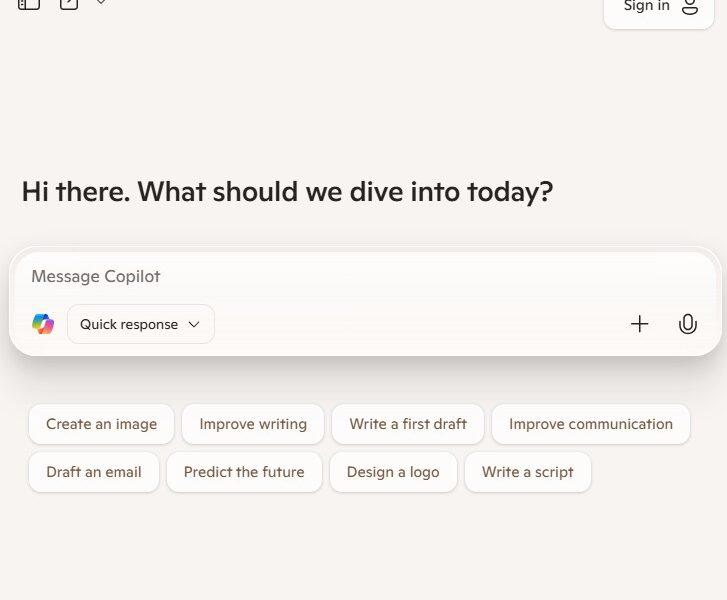
Site Screenshot:
Microsoft Copilot
Try Tool:

Sign In

Register

Reset Password

Please enter your username or email address, you will receive a link to create a new password via email.